
⚡Subscribe for the Yearly Pro plan, and get the next 6 months free.⚡Offer valid till 31st March 2024.
⚡Subscribe for the Annual Pro plan, and get the next 6 months free.⚡Offer valid till 31 March 2024.
Click to avail!
⚡ Join us for the Silver Jubilee episode of our LinkedIn talk show. ⚡
Book a Demo

Only for Limited Customers

Insightful Alternative: A Better Way to Track Team Productivity With We360.ai

guest contributor

February 3, 2026

Insightful (formerly known as Workpuls) is a workforce analytics platform designed to help managers understand how employees work without resorting to surveillance. It syncs real-time visibility, activity tracking and behavioral analytics to surface performance bottlenecks.

The tool supports remote, hybrid and in-office teams, making organizations work smarter by staying respectful and transparent. It integrates with 50+ project management tools, including JIRA, ASANA, Trello, Monday.com, and more.
Insightful helps see which projects are on track, which are lagging, and where resources are misaligned.

Its key privacy features include the ability to:

  • Exclude specific apps or websites (like banking sites).
  • Disable screenshots in healthcare or legal environments.
  • Anonymize user data where high-level trends are more important.

It supports multiple compliance certifications, including SOC 2, ISO 27001, HIPAA, and GDPR. This makes it a strong fit for highly regulated industries such as finance, healthcare, and government.

These features make it a robust tool; however, users have reported certain drawbacks, making looking for alternatives significant.


Source

Source

Source

Considering these limitations, we have compiled a set of best-fit Insightful alternatives:

  • We360.ai
  • Clockify
  • DeskTime
  • Tmetric
  • Toggl Track

Top 5 Insightful alternatives

Let’s understand how these Insightful alternatives add value.

We360.ai
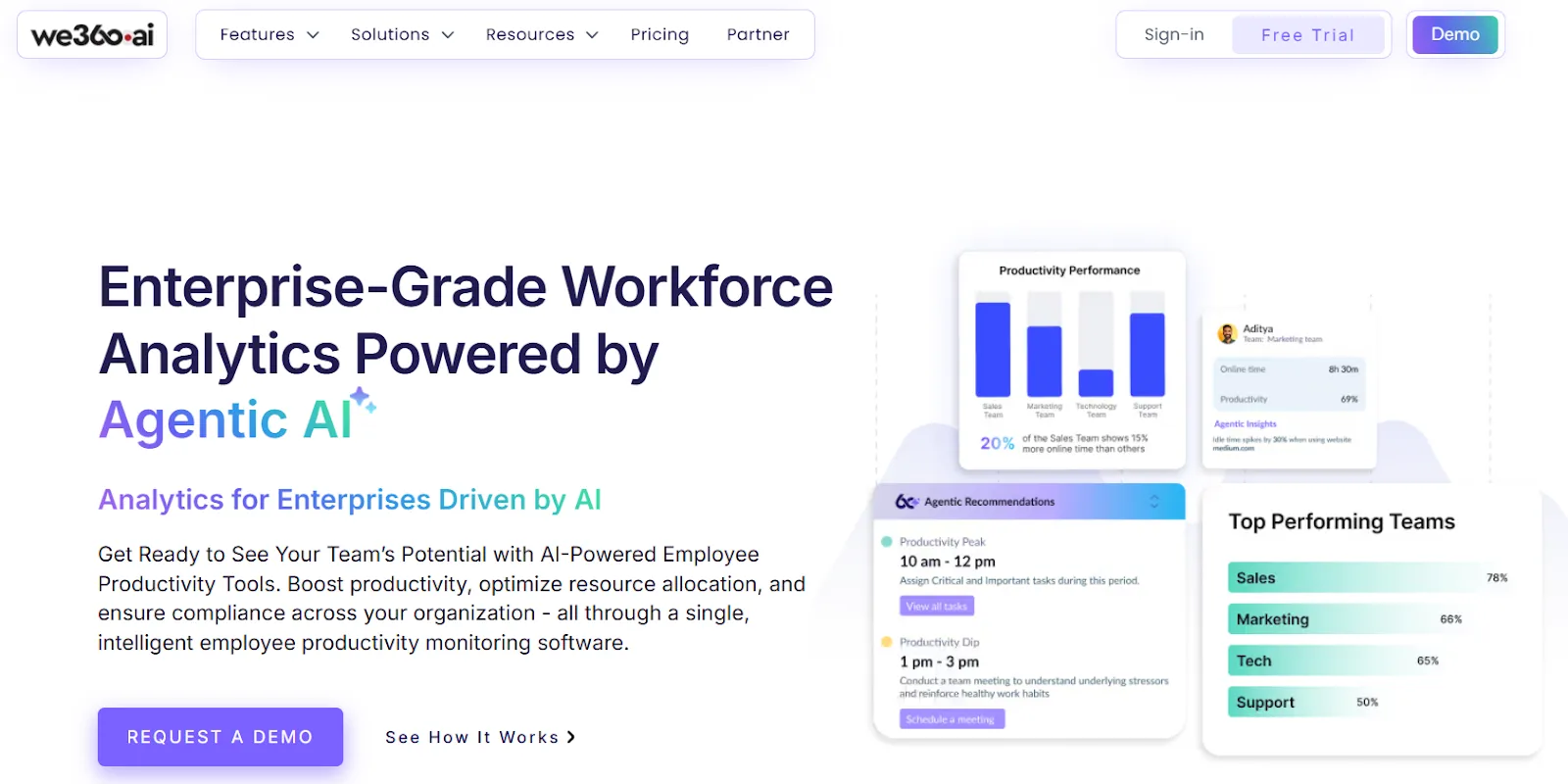
We360.ai is an employee monitoring and workforce analytics tool to track hours and gauge how employees use their time. Get detailed insight into which apps and websites they are using without being unproductive. This ultimately helps managers make informed decisions.

The platform serves over 5,500 companies and 20,000+ users, delivering a 99.99% uptime SLA. It complies with SOC 2, GDPR, ISO, and VAPT standards and protects data using TLS/SSL protocols and AES-256 encryption. The tool runs reliably on macOS 10.11 and above, most Linux distributions, and Windows 7 or later.

Price (per user per month)

Pro - INR 399

Enterprise - Request Quote 

Features

  • Attendance management - Accurately track attendance, generate comprehensive reports, and receive automated email notifications.
  • Real-Time user activity monitoring – Monitor employee activity live with instant alerts using We360.ai.
  • Productivity application tracking – Categorize applications as productive or unproductive to improve time utilization.
  • Hourly engagement insights – Get hour-by-hour visibility into daily work patterns and productivity trends.
  • Activity & inactivity monitoring – Track active and idle time for clear, actionable insights.
  • Goal setting & benchmarking – Define performance goals and measure progress against set benchmarks.
  • Screenshot monitoring – Capture periodic screenshots to support productivity and strengthen security.
  • Location tracking – Track GPS locations for better visibility into remote and field workforce activities.
  • Project & task management – Streamline task assignments and project execution to boost team efficiency.

Best for

Industries like IT/ITES, Staffing and Recruiting, Marketing agencies, and more.


We360.ai Vs Insightful 

We360.ai is a strong Insightful alternative, let’s see why?

Feature

We360.ai

Insightful

Attendance Management

Yes, with detailed reports and alerts

Limited

Real-Time User Activity Monitoring

Live monitoring with instant notifications

Real-time tracking available

Productivity Application Tracking

Advanced app classification (productive/unproductive)

App and website tracking

Hourly Engagement Insights

Hour-by-hour productivity and engagement analysis

Limited hourly insights

Activity & Inactivity Tracking

Tracks active and idle time precisely

Available

AI-Powered Analytics

Advanced AI-driven workforce analytics and insights

Basic analytics, no predictive AI

Goal Setting & Benchmarking

Built-in performance goals and benchmarks

Limited goal tracking

Screenshot Monitoring

Yes, configurable screenshot capture

Available

Location Tracking (GPS)

Yes, for remote and field teams

Not available

Project & Task Management

Integrated project and task management

Basic project tracking

Compliance & Security

SOC 2, ISO, GDPR, VAPT compliant

SOC 2, ISO, GDPR compliant

Enterprise Reporting

Executive-ready dashboards and custom reports

Standard dashboards

Workforce Optimization

Workload balancing and productivity optimization

Focuses mainly on monitoring

Best For

Enterprises needing deep workforce insights

Teams focused on visibility

Clockify

Clockify is a time-tracking tool that also offers timesheets. Its best part is it’s free forever and can be used by an unlimited number of users. The tool has robust customization capabilities for reports and dashboards. 

Clockify API is quite helpful for custom integrations. It can be integrated with project management and productivity tools like JIRA, ASANA, Trello, GitLab & GitHub, Monday.com, ClickUp, QuickBooks, Google Calendar, MS Outlook, Zendesk, Hubspot, and Salesforce. Clockify does not offer integration with third-party payroll providers like ADP and Gusto.

Maintaining accurate time-tracking records and detailed reports on how time is spent helps ensure compliance with regulations such as FLSA, DCAA, and various state-specific labor laws.

Price (per user per month)

  • Standard - $5.49
  • Pro -  $7.99
  • Enterprise - $11.99
  • Productivity Suite - $12.99

Features

  • One-click timer helps select a timer for activities. Enter an activity and press start, or select a past activity and resume timing.
  • Sort time by project, task, tag, and status (billable, invoiced and improved).
  • Allows supervisors to clock in for others with a universal PIN.
  • Allow users to select their activity and switch between tasks.

Best for

Curated for freelancers, teams and companies across all industries.

Pros
  • It has a clean interface, making time tracking simple and intuitive.
  • It's cross-platform, allowing seamless use across web, desktop, and mobile devices.
Cons
  • The mobile app feels sluggish sometimes, and syncing across devices isn't always instantaneous. 
  • There is an issue with reporting, especially when dealing with multiple clients or teams. 

DeskTime
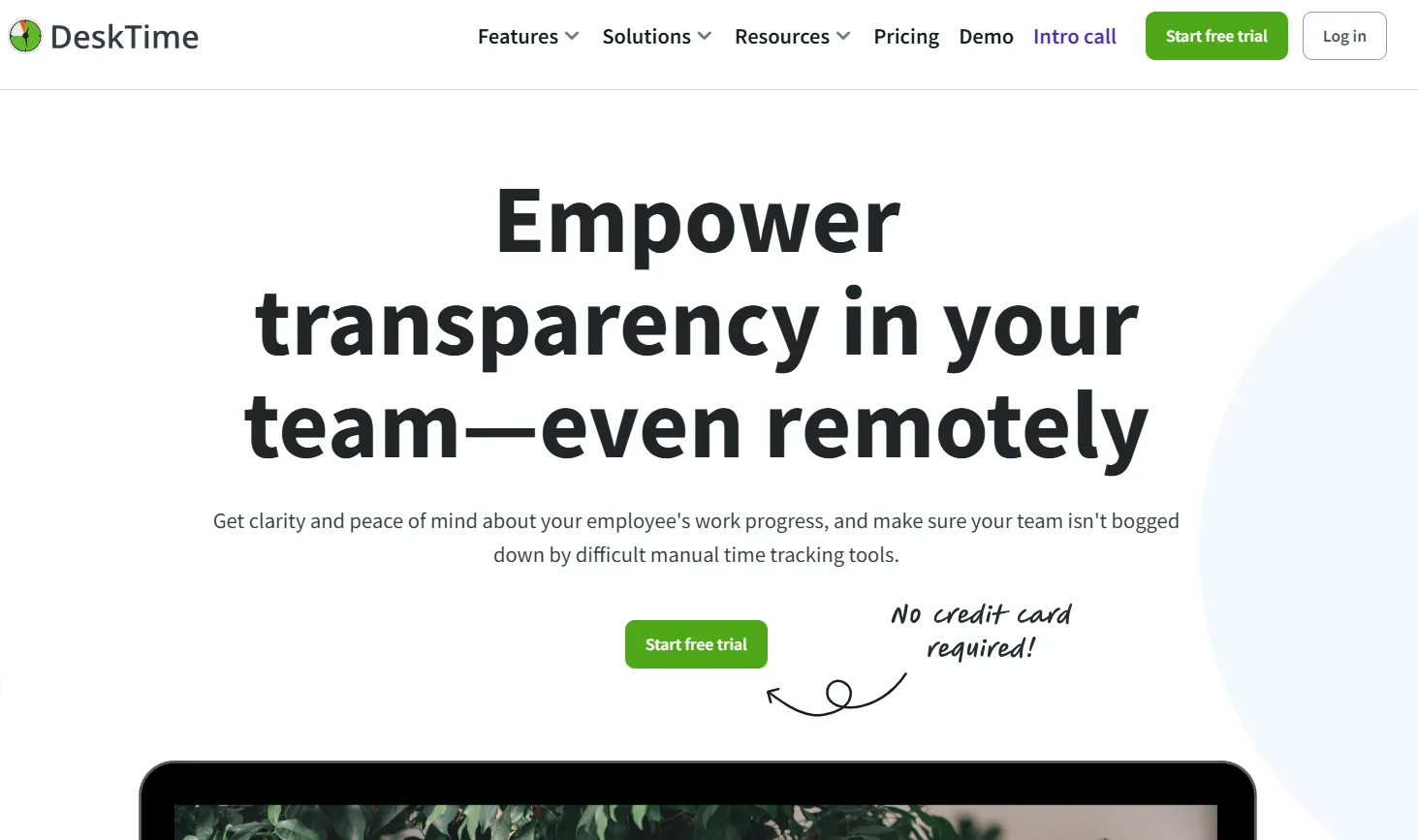
DeskTime is a seasoned workforce analytics tool offering insight into employee productivity and how they spend their work hours. You can get an insight into which apps and websites are used during worktime.  It is ISO 27001 and GDPR compliant and offers two-factor authentication.

The tool integrates with tools like JIRA, ASANA, GitLab, Trello, Zapier, Google Calendar, Outlook Calendar, and more. You can build custom tools and applications using the DeskTime API to analyze and interpret data, then seamlessly integrate those insights into your existing workflows.

The platform measures arrival time, leaving time, productive time, time at work, idle time, offline time and more.

Price (per user per month)

Pro - $4.58

Premium - $6.42

Enterprise - Custom

Features

  • Boost productivity and reduce time and cost waste with an automatic time tracker that runs when the computer is on and stops when it’s off. 
  • View app- and URL-level time usage from a single dashboard to understand productivity and efficiency. 
  • Get real-time, continuously updated reports for clear visibility across complex teams. 
  • Manage schedules effectively and ensure tasks are completed by the right people at the right time.

Best for

Perfect for remote and hybrid teams.

Pros
  • It's fully automatic time tracking helps in increasing productivity.
  • It is easy to use, increases productivity analysis, and helps employers to track day-to-day activities of employees.
Cons
  • Sometimes the accuracy of work hours recorded has been questioned, as it finds discrepancies in the time tracked.
  • Some of the apps/websites it tags as "unproductive apps" are neutral apps.

Tmetric
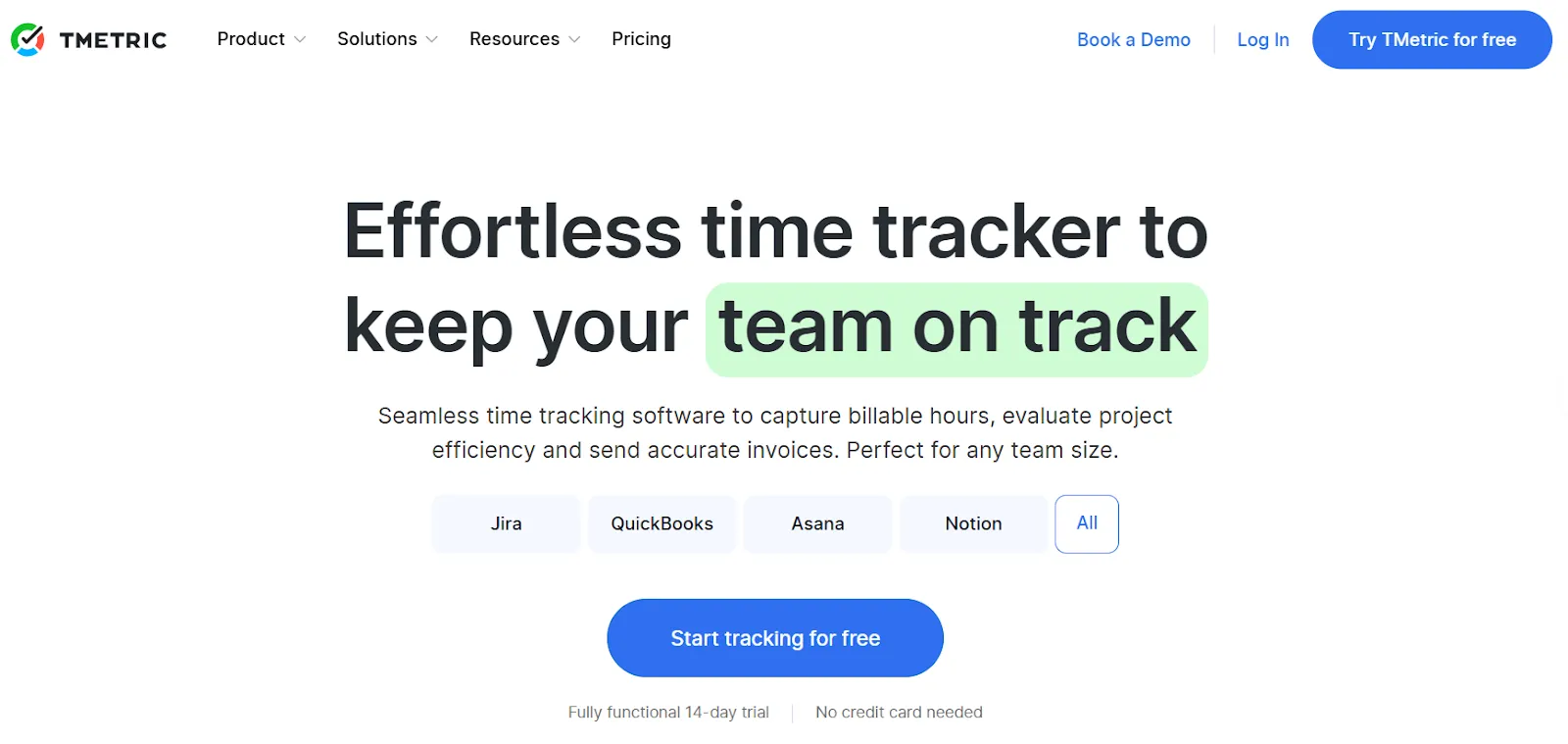
Tmetric is a leading time tracking software for employees to capture billable hours, evaluate project efficiency, and send accurate invoices. It tracks both online and offline hours for iOS and Android platforms. 

Using Tmetric, you can see how time is spent across tasks, apps, and projects. It generates an invoice from tracked time and ensures every billable hour is accounted for without any loopholes. This helps eliminate manual calculations and automates payroll.

You may object to the processing of your personal data, request restrictions on how it is processed, or ask for your personal data to be transferred to another service being GDPR compliant. The tool integrates with JIRA, ASANA, Figma, GitHub, GitLab, Hubspot, and other business, development, help desk, project management, and task management tools.

Price (per user per month)

Free - $0

Professional - $4.17

Business - $5.83

Enterprise - Custom

Features

  • Create detailed and actionable time reports.
  • Monitor employee attendance with ease.
  • Create and edit tasks, set estimates and deadlines, view task history, and filter and sort the task list.
  • Manage your team with robust permissions and an entire overview of workload and presence.
  • Stay profitable by tracking budgets, billable rates, and getting alerts before projects overshoot.

Best for

Used by software developers, designers, consulting agencies, universities, game development studios, financial institutions, banks, online stores, copywriters, and law firms.

Pros
  • It is easy to use and has the possibility to add members and manage different levels of access.
  • The time tracking is accurate, intuitive, and easy to manage across multiple projects. 
Cons
  • The mobile app is a little underdeveloped.
  • The learning curve while you are starting is moderate.

Toggl Track
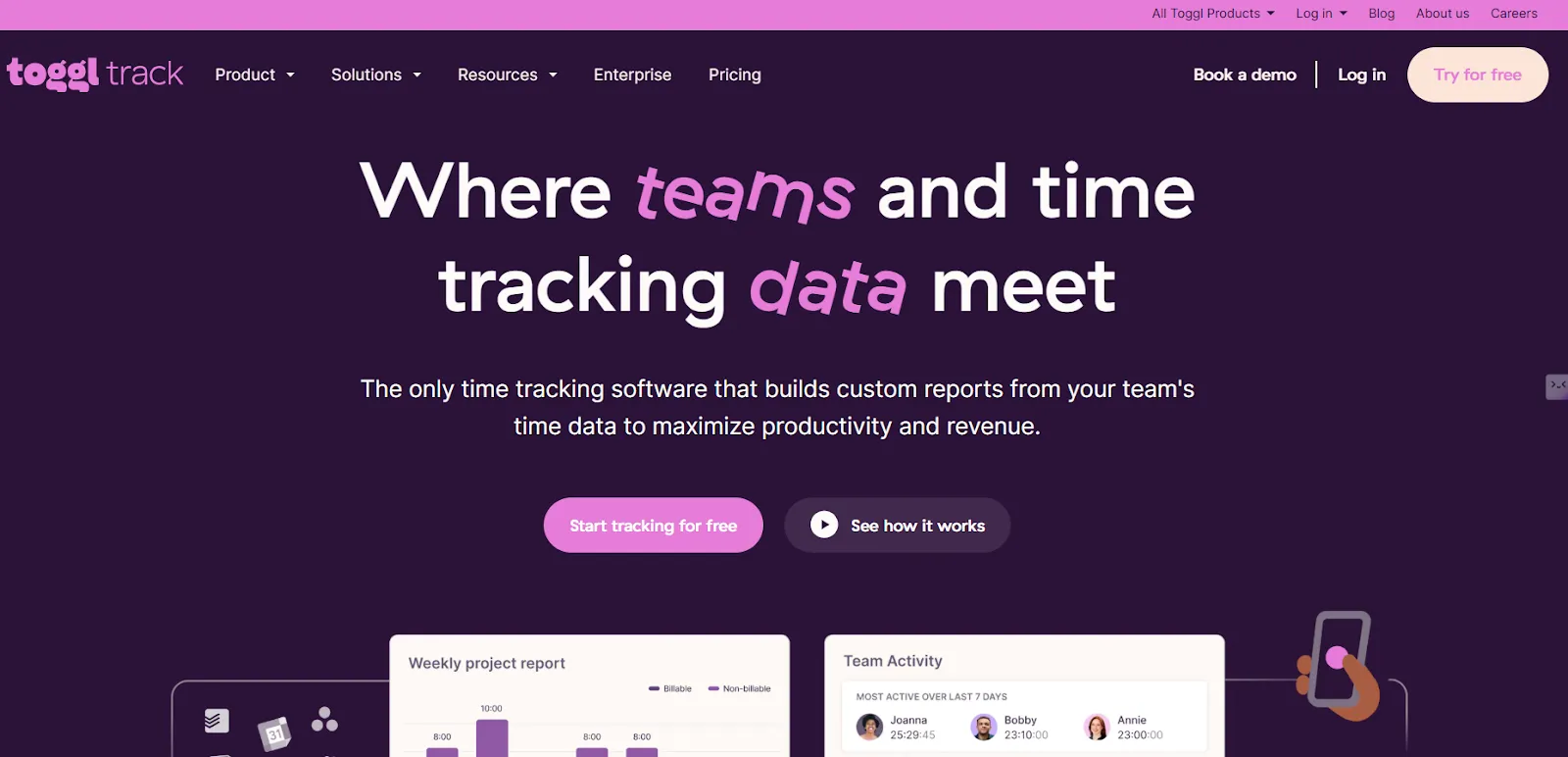
Toggl Track is an employee time monitoring tool designed to track time on multiple platforms at once. You can track where employees spend time during their work hours, including websites and apps. Thus, you can bill clients accurately with proof of work.

It integrates with over 100 tools, including ASANA, Google Calendar, Apple Calendar, GitHub, GitLab, Google Mail, JIRA, Slack, and more. The tool is compliant with SOC2 Type 1, ISO/IEC 27001, GDPR, CCPA, and EU Data Act principles. 

Toggl Track is available on Windows and macOS, as well as on mobile devices running iOS and Android. Users report saving over 40 hours each month, achieving 100% time-tracking adoption, and seeing up to a 20% increase in profitability.

Price (per user per month)

Free - $0

Starter - $9

Premium - $18

Enterprise - Custom

Features

  • Eliminate manual time entries and start-stop timers with precise, second-by-second tracking of activities and idle time. 
  • Sync local activity data across devices, or disable syncing to ensure recorded data stays only on your device. 
  • Monitor project performance and profitability in real time by comparing projects, clients, and time periods, and see how labor costs align with billable hours. 
  • Get a clear, high-level view of how your team spends time and rebalance workloads as needed.

Best for

Agencies, software teams, law firms, accountants, and enterprises.

Pros
  • The free plan has almost everything you need to effectively manage and track time.
  •  It is available on all platforms, making logging a time entry effortless.
Cons
  • It has too many high-level features, making it hard to simply track hours.
  • It doesn't offer spell-check, nor does it autocomplete a task name as we type it, on the mobile app.

We360.ai with Features of Insightful and more

We360.ai includes all core features of Insightful, such as time tracking, activity monitoring, and productivity reports. It goes further with AI-driven analytics, hourly engagement insights, goal benchmarking, GPS tracking, and advanced workforce optimization. Teams get deeper visibility, better control, and smarter decisions from one unified platform.

If you’re looking for the best Insightful alternative, book a FREE DEMO with we360.ai now!
Recent Post

We360.ai Motto
Comparsion

DeskTime Alternative: Why We360.ai Beats DeskTime for Employee Productivity Monitoring?

We360.ai includes all core DeskTime features such as time tracking, productivity analytics, activity monitoring, and reporting. It goes further with AI-driven insights, real-time alerts, advanced behavior analysis, customizable dashboards, and integrated project management, helping organizations gain deeper visibility, improve efficiency, and make data-driven workforce decisions.

We360.ai Motto
Comparsion

Insightful Alternative: A Better Way to Track Team Productivity With We360.ai

We360.ai includes all core features of Insightful, such as time tracking, activity monitoring, and productivity reports. It goes further with AI-driven analytics, hourly engagement insights, goal benchmarking, GPS tracking, and advanced workforce optimization. Teams get deeper visibility, better control, and smarter decisions from one unified platform.

We360.ai Motto
Comparsion

Hubstaff Alternative: Why We360.ai Is Ideal for Modern Workplaces?

Hubstaff is an employee monitoring solution with built-in workforce analytics and automated payment features. It helps you see time spent on tasks along with activity rates and app usage. It has additional features like unusual activity detection, utilization rates, highlighting widgets, meeting vs. focus time widgets and work hours classification.

See How We360.ai Can Transform Your Workforce Analytics

Let’s discuss how we can tailor We360.ai for your enterprise.

Ready for 7 days trial     |     Exclusive support     |     No fees