
The average professional spends a large share of their week in meetings — and a chunk of that time goes to taking notes, writing summaries, and chasing action items by hand. AI meeting assistants automate all of it: they record the call, transcribe it, and produce summaries and action items in seconds.
This guide ranks the 10 best AI meeting assistants and note-takers in 2026, what each is best for, and how to choose. Pricing is directional and changes often, so confirm on the vendor's site before buying.
What is an AI meeting assistant?
An AI meeting assistant is software that records meeting audio, transcribes it into text, and uses AI to generate summaries, action items, and key insights automatically. Instead of splitting your attention between listening and note-taking, the tool captures everything so you can focus on the conversation.
In 2026, these tools come in two main architectures:
- Bot-based: the assistant joins your call as a visible participant (Otter, Fireflies, Fathom) and processes audio in the cloud.
- Bot-free / local capture: the tool records system audio on your device without a visible bot joining the meeting (Granola, and similar), which suits sensitive or client-facing calls.
How do you choose the right AI meeting assistant?
Choose based on four things: whether you're comfortable with a visible bot, the platforms you meet on, the integrations you need, and your budget. Transcription itself is largely a commodity in English now — the real differences are in summary quality, how fast notes appear, integration depth, privacy, and whether action items actually flow into the tools where work happens.
Quick guidance:
- Generous free tier for individuals: Fathom.
- Sales teams needing CRM sync: Fireflies.
- Bot-free capture on Mac: Granola.
- Live captions during the call: Otter.
- Security and full meeting lifecycle: Fellow.
The 10 Best AI Meeting Assistants and Note-Takers
1. Fathom — best overall and best free tier
Fathom is widely rated the best all-round AI meeting assistant in 2026, thanks to an exceptionally generous free tier — unlimited recording, transcription, and storage — and near-instant summaries after the call. It has one of the highest user-review ratings in the category and native HubSpot and Salesforce integrations.
Best for: individuals and small teams who want a powerful free option. Watch out for: AI summaries are capped on the free plan; it joins calls as a visible bot. Pricing (directional): free with unlimited recording; paid plans roughly $15–$19/user/month.
2. Fireflies.ai — best for sales teams and CRM workflows
Fireflies is one of the most established meeting assistants, known for broad platform support, 50+ integrations, and strong conversation-intelligence features like talk-time ratios and sentiment trends. Its CRM automation (Salesforce, HubSpot) and cross-meeting search make it a favorite for sales and revenue teams.
Best for: sales teams needing deep CRM and integration coverage. Watch out for: free plan caps total storage; dashboards can feel busy. Pricing (directional): free tier with limited storage; paid from around $10/user/month.
3. Otter.ai — best for live transcription
Otter helped create the category and remains the go-to for real-time, live captions during meetings, with the ability to highlight and comment as the conversation happens. Its AI Chat lets you ask natural-language questions about your meetings.
Best for: teams wanting live, collaborative transcription during calls. Watch out for: has fallen behind some rivals on newer features; tight free-tier minute caps. Pricing (directional): free up to 300 minutes/month; paid from around $8–$10/user/month.
4. Fellow — best for security and meeting governance
Fellow positions itself as the security-first, full-lifecycle meeting tool — agendas before, AI notes during, and action-item tracking after. It stands out for enterprise compliance (SOC 2, GDPR, HIPAA) at a team-accessible price, plus bot and bot-free recording options.
Best for: teams with security requirements that want to improve meeting culture, not just transcribe. Watch out for: desktop app can be buggy; free plan limits AI recordings. Pricing (directional): free plan (limited AI recordings); paid from around $7/user/month.
5. Granola — best bot-free note-taker for Mac
Granola takes a distinctive approach: it runs locally and captures system audio without sending a visible bot into the call, then enhances your manual notes with AI context from the transcript. It's a favorite among solo users and PMs who want to stay active participants.
Best for: Mac users who want bot-free capture and human-in-the-loop notes. Watch out for: free plan limits meeting history and integrations. Pricing (directional): free Basic plan; paid plans around $14–$18/user/month.
6. tl;dv — best for timestamped highlights and clips
tl;dv combines meeting recording with AI insights and timestamp-based navigation, making it easy to jump to key moments and share short clips. It's especially useful for customer research, sales enablement, and teams that revisit recordings often.
Best for: teams that share meeting moments and clips for research or enablement. Watch out for: clip-centric workflow may be more than simple note-taking needs. Pricing (directional): free tier; paid plans scale by features.
7. Avoma — best for sales coaching and conversation intelligence
Avoma blends note-taking with deeper conversation intelligence aimed at sales and customer-success teams — deal insights, coaching, and analytics across calls. It's more of a revenue-intelligence platform than a simple note-taker.
Best for: sales orgs wanting coaching and deal analytics, not just transcripts. Watch out for: the broader platform can be more than non-sales teams need. Pricing (directional): tiered plans; confirm current pricing.
8. Grain — best for customer-facing and sales calls
Grain focuses specifically on customer-facing meetings, pairing video recording with AI analysis to surface insights for sales, customer success, and research. Its strength is turning call moments into shareable, analyzable conversation intelligence.
Best for: customer-facing teams analyzing sales and research calls. Watch out for: narrower focus than general-purpose note-takers. Pricing (directional): free tier; paid plans by seat/features.
9. Read AI — best for meeting engagement analytics
Read AI differentiates with engagement analytics — measuring participation, sentiment, and meeting effectiveness — alongside transcription and summaries. It's the pick for teams that specifically want data on how their meetings are going, not just what was said.
Best for: teams wanting meeting-engagement and effectiveness metrics. Watch out for: uses a visible bot that auto-joins; analytics focus isn't for everyone. Pricing (directional): free tier with caps; paid plans scale to enterprise.
10. Zoom AI Companion — best for Zoom-native teams
Zoom AI Companion is built directly into Zoom and is often already included in your plan, offering meeting summaries and recaps with zero setup and no extra tool. For teams that live in Zoom and want simple, native summaries, it's the path of least resistance.
Best for: Zoom-first teams wanting built-in summaries with no added tool. Watch out for: Zoom-only; less powerful than dedicated assistants. Pricing (directional): included with eligible Zoom plans.
Which AI meeting assistant has the best free plan?
Fathom has the most generous free plan in 2026, offering unlimited recording, transcription, and storage, with AI summaries capped per month. By comparison, Otter limits free users to 300 minutes per month and Fireflies caps total free storage, so for heavy individual use, Fathom's free tier goes furthest.
Bot vs. bot-free: which is better?
Bot-based tools (Otter, Fireflies, Fathom) join your call as a visible participant and process audio in the cloud, while bot-free tools (like Granola) record system audio locally without anyone seeing a bot. Bot-free is better for sensitive client calls and privacy-conscious teams; bot-based tools are often easier to set up and share across a team. The right choice depends on how comfortable your meetings are with a visible recorder.
Are AI meeting assistants accurate?
Most AI meeting assistants claim 90–95% transcription accuracy under good conditions — clear audio, one speaker at a time, English. Accuracy drops with overlapping speakers, background noise, strong accents, and other languages. For multilingual meetings, tools like Fireflies and Fellow tend to perform more reliably than others.
Frequently asked questions
What is the best AI meeting assistant overall? Fathom is widely rated the best overall AI meeting assistant in 2026, thanks to its generous free tier, fast summaries, high user ratings, and native CRM integrations. The best choice still depends on your needs — Fireflies for sales, Granola for bot-free Mac capture, Otter for live captions.
Do AI meeting assistants work on Zoom, Google Meet, and Teams? Yes. Most leading assistants — Fathom, Fireflies, Otter, Fellow — support Zoom, Google Meet, and Microsoft Teams. Bot-free tools like Granola work across any platform because they capture system audio rather than integrating with a specific app.
Is it legal to record meetings with an AI assistant? Recording laws vary by jurisdiction, and many require notifying or getting consent from participants. As a best practice, always disclose that a meeting is being recorded. Confirm the rules in your region before recording.
Can AI meeting assistants create action items automatically? Yes. Most modern assistants automatically extract action items, decisions, and follow-ups from the conversation, and the better ones push those items into tools like Slack, Notion, or your CRM so they actually get done.
What's the best free AI meeting note-taker? Fathom offers the most generous free tier for individuals (unlimited recording and transcription). For privacy-focused teams, some open-source, local-capture tools are fully free, keeping recordings on-device.
Getting value from meeting tools: it's about the time, not just the notes
AI note-takers solve the capture problem — but the bigger productivity question is how much time meetings consume in the first place, and whether that time is well spent. Many teams adopt these tools and still find their calendars overloaded.
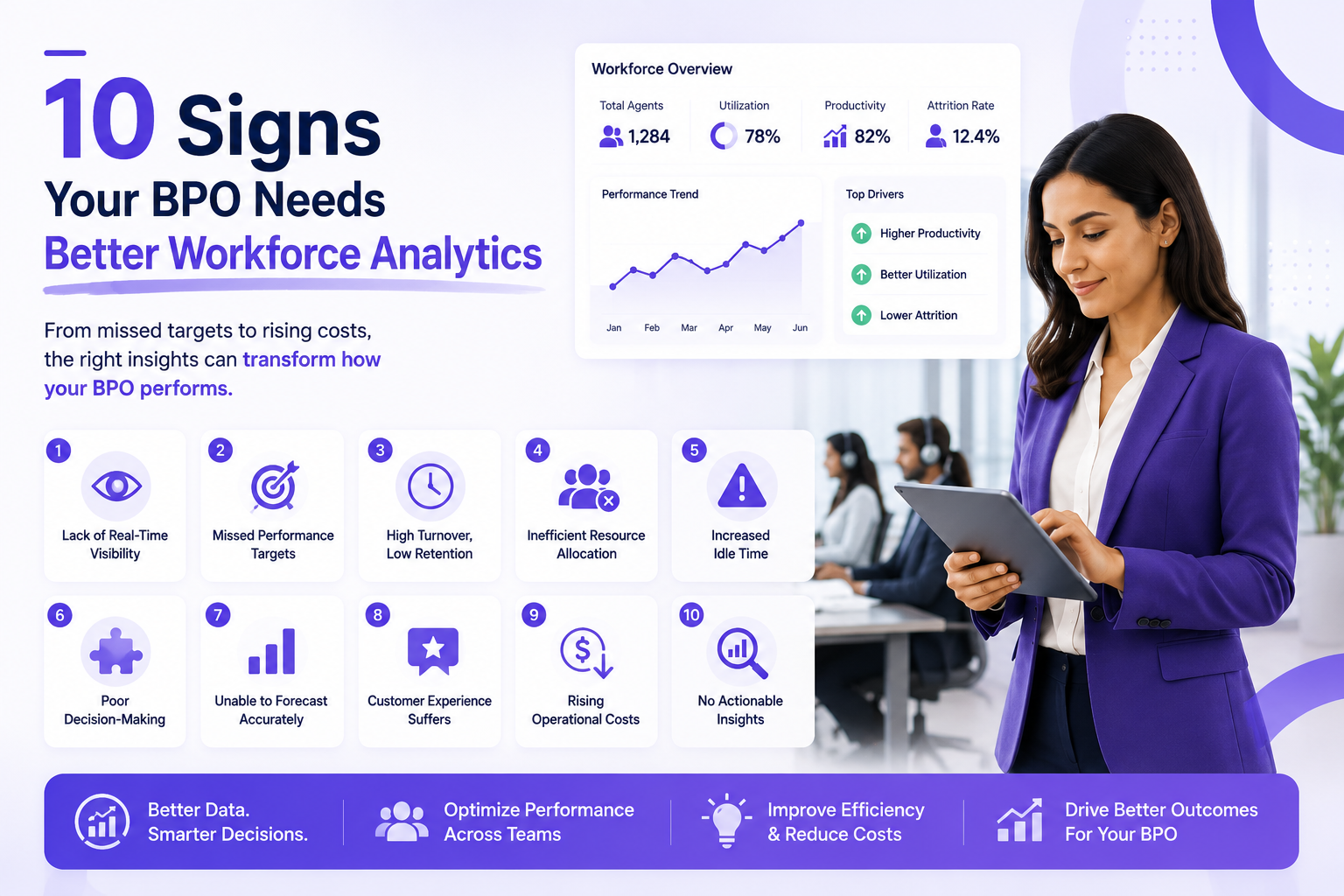
That's where measurement helps. Understanding how much of your team's week actually goes to meetings versus focused work — and whether note-taking tools are freeing up time as intended — requires visibility into how work happens day to day. Workforce analytics platforms such as We360.ai surface exactly that: where time goes across apps, projects, and meetings, so leaders can see whether their meeting culture (and the tools supporting it) is helping or quietly draining productivity. The note-taker captures the meeting; analytics tells you whether you should be having it.
Conclusion
The best AI meeting assistant depends on your workflow. For most individuals and small teams, Fathom's free tier is the easiest place to start; sales teams lean to Fireflies; Mac users wanting bot-free capture choose Granola; Otter wins on live captions; and Fellow leads on security and meeting governance. Zoom-native teams may not need a separate tool at all.
Pick based on bot preference, platform, integrations, and budget — then use the time these tools save to focus on the conversations and work that actually move things forward.